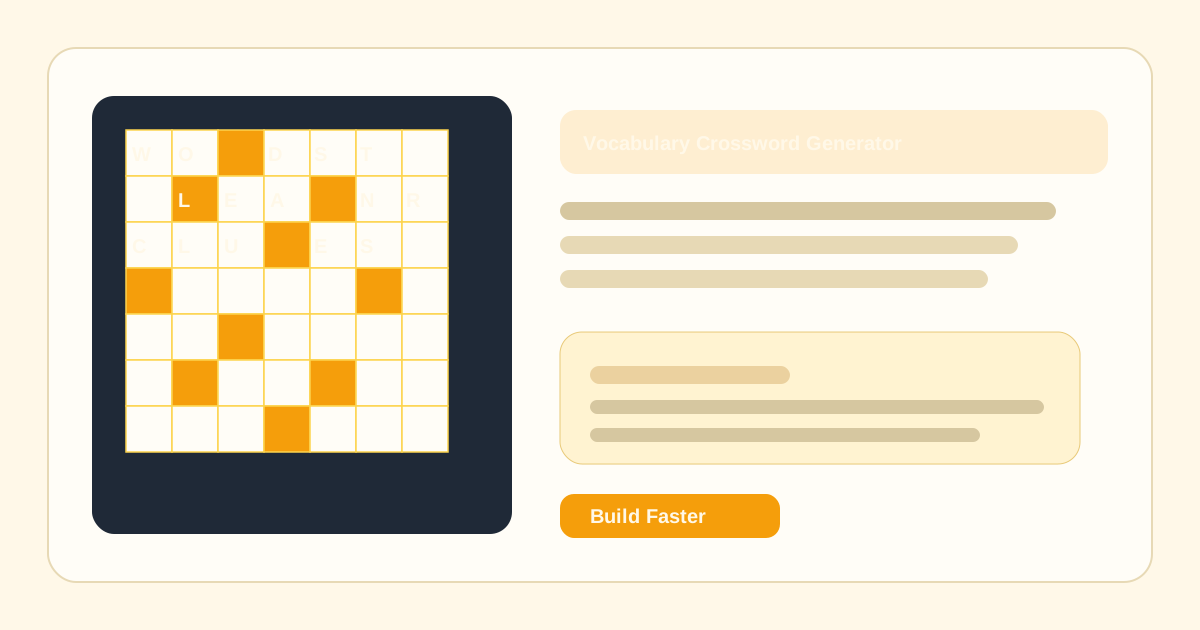
Instant Layout Generation
Turn a simple list of answers into a compact crossword grid in seconds, then regenerate until the layout feels right.
Paste your lesson vocabulary, generate teacher-friendly clues, and export a printable PDF, PNG, SVG, or live student link — no signup required.
Leave empty to use default: "My Crossword Puzzle"
Just words? Hit "AI Clues" to generate clues automatically.
Paste 2 to 50 letter-based answers. Clues can be in any language.Features
From rough word lists to polished grids, everything happens in your browser.
Turn a simple list of answers into a compact crossword grid in seconds, then regenerate until the layout feels right.
Write or refine clues as you go. Your active word list stays with the editor, so you can tweak without starting over.
No printer? No problem. Share a live link instantly so students can solve the puzzle directly on any device.
Export beautiful, print-ready PDF worksheets featuring classic academic typography and crisp, high-contrast layouts.
How it works
Start with a word list, then refine until the puzzle is ready to solve.
Start with a raw list or add entries one by one. We keep your word list in the editor while you refine it.
Create a compact grid, review skipped entries, and tweak words or clues until the layout works.
Export the puzzle, send a solve link, or jump back into the editor with the same content intact.
From the blog
Learn how to create better crossword puzzles for your classroom
FAQ
Common questions about creating and sharing crossword puzzles with Amazing Crossword.
Start in the editor now, then print, share, or save the puzzle when it's ready.
No credit card required · Instant export · No watermarks